
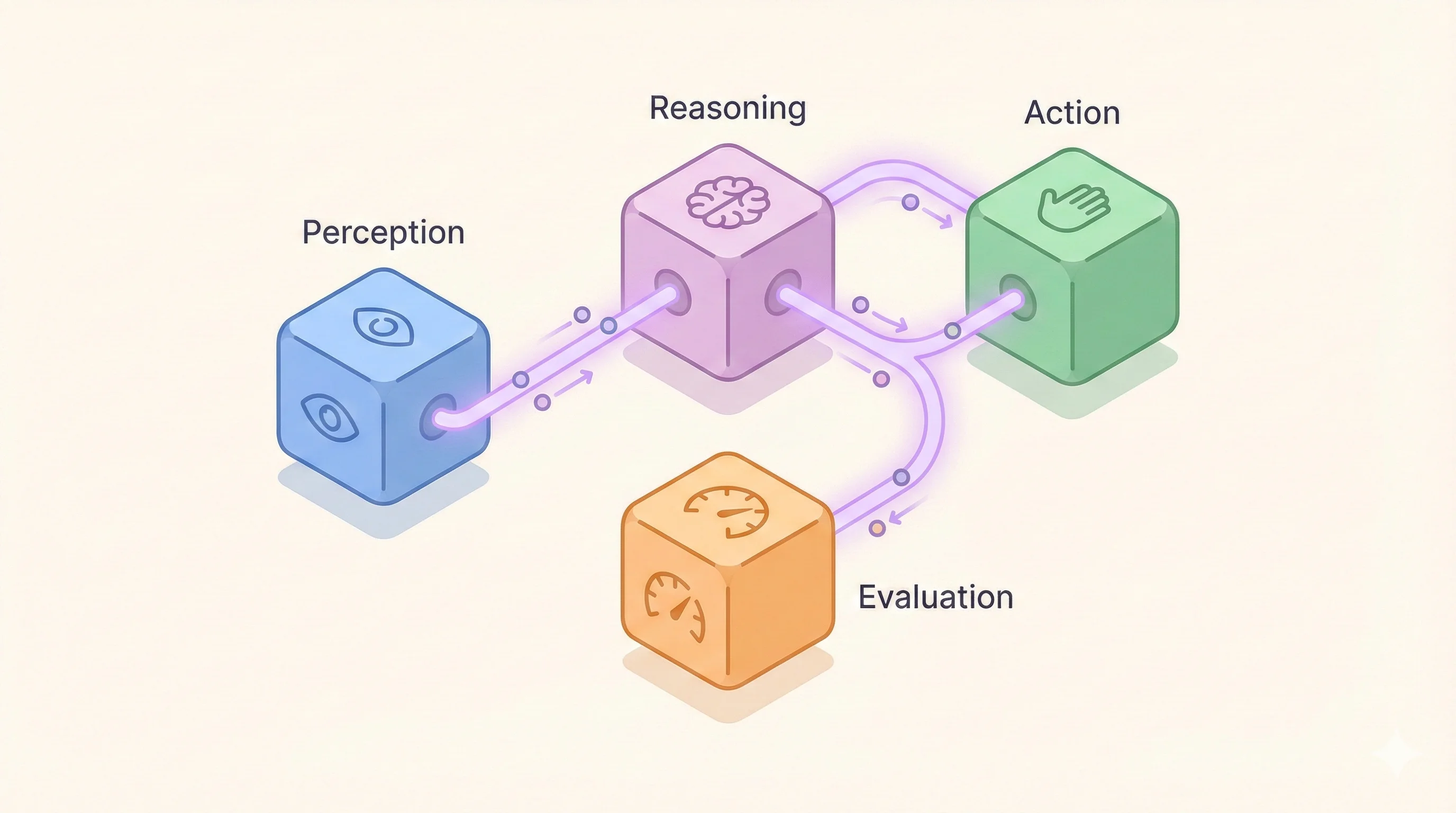
Building AI Agents Part 2: Architectures and Evals
TypeScript isn't optional. Start with evals before code. Track every LLM call. Your architecture choices determine whether you ship or debug forever.
The Production Agent Series:
Part 1: What Even Is an Agent? ✓
→ Part 2: Architectures + Evals (You are here)
Part 3: Prompting as Control
Part 4: Memory, Tools, Feedback
Part 5: Pulling It All Together
🎯 TLDR;
- TypeScript isn't optional.
- Start with evals before code.
- Track every LLM call.
- Your architecture choices determine whether you ship or debug forever.
Welcome back to part two of the series - Building AI agents. In part one, we broke down agents into their fundamental loop: perception, reasoning, action, and feedback. Now let's talk about what nobody wants to discuss: the unglamorous infrastructure that makes agents actually work in production.
Here's the uncomfortable truth: that cool demo you saw on Twitter? It probably works 60% of the time. The other 40%? Hallucinations, broken tool calls, and outputs that make you question your career choices.
The difference between a demo and production isn't the model. It's the system around it.
The real agent architecture
Forget the fancy diagrams. Here's what you actually need:
- Inputs: Not just the user request, but structured context, conversation history, and constraints
- Working memory: Where your agent keeps track of what it's doing (yes, it forgets constantly)
- Tools: The functions it can call, complete with retry logic and fallbacks
- Evaluators: The watchers that catch hallucinations before users do. This is the most important part that isn't talked much.
But here's what most tutorials won't tell you: you need a statically typed language (yes, TypeScript counts). I know, I know. "But Python has all the ML libraries!" Sure, and it also has type errors that only show up in at run time 💀.
The reality? Development speed matters more than library availability. TypeScript catches your mistakes at transpile time. Linters and typechecking help a lot. And these things make coding agents absolutely cracked since they can run these checks after writing code automatically. So basically, your testing is getting automated to a certain extent.
If you're not using Claude Code or other AI agents to build your agents, you're bringing a knife to a gunfight. You need to understand how the best AI tools work before you can build world-class agents yourself.
Agent architecture patterns
Now, let's talk about the different ways you can structure these components. There are five main architectures that actually work in production:
-
Reflection: The agent generates an output, then critiques and improves it. Essential for high-stakes outputs. Your code review agent writes code, then checks it for bugs. Your test generator creates tests, then validates they actually cover the requirements. Adds quality but doubles your API calls.
-
Tool Use (Function Calling): The agent decides which tool to use, calls it, and processes the result. This is fundamental—almost every production agent needs this. Your QA agent calling APIs to verify data, your calendar agent checking availability, your search agent querying databases. Without tool use, your agent is just a chatbot.
-
ReAct (Reasoning + Acting): The agent thinks, acts, observes the result, then thinks again. This is what most people mean when they say "agent." Perfect for dynamic situations where you need flexibility. Your customer support bot that searches knowledge bases and adapts its response? ReAct. Your test automation that handles unexpected UI changes? ReAct. But watch out for loops where it keeps trying the same failing action. More info here.
-
Planning (Plan-and-Execute): The agent decomposes the task into steps before executing. Great for complex, multi-step workflows. Your deployment agent that plans rollout stages, your test suite that organizes test order based on dependencies. The downside? If step 2 fails, the whole plan might need rework.
-
Multi-Agent Collaboration: Multiple specialized agents working together. One agent routes, others execute. Or agents debate until consensus. Your QA system where one agent writes tests, another validates them, a third checks coverage. More complex but catches errors single agents miss.
Reality check: Most production systems are just ReAct + Tool Use. That's it. That handles 90% of use cases.
We started with a complex multi-agent system. Now? ReAct pattern with tool use. Simpler, faster, easier to debug.
Start with ReAct. Add tool use when you need external data. Only consider the other patterns when these two repeatedly fail at specific tasks. Reach out to me if you want to brainstorm.
Observability: Tracking their every move
While building the architecture, you need to track every LLM call with their context and response. This isn't optional. When your agent fails in production at 2AM, you need to know exactly what it saw and what it decided.
LangChain's LangSmith is the go-to solution here. Yes, it can be slow sometimes, but it captures what you need. Alternatives like Helicone or Portkey also work well for LLM observability.
Whatever tool you choose, make sure it tracks:
- Every prompt and completion
- The full context generated for each LLM call
- Token counts and latencies
- Tool calls and responses
- Error states and retries
- Filtering capabilities to find specific failures quickly
This data is gold when debugging. Without it, you're just guessing why things went wrong.
The KISS principle (but for real this time)
Everyone says "keep it simple, stupid" but then builds agents with 47 tools and 3,000 token prompts. Here's what actually works:
Small tasks: Don't build an agent that "handles all customer support." Build one that routes tickets. Then build another that answers billing questions. Small, focused agents are easier to test, debug, and improve.
Here's the key insight: the smaller the task you give to an agent, the less it hallucinates. It can do one task great. Give it two tasks, it starts making mistakes. Give it ten tasks, and it's basically making stuff up. Keep each agent focused on one thing. Million tokens limit per call doesn't mean you have can share the whole codebases in LLM calls.
Strict outputs: Your agent should output JSON, not philosophical essays. Define exact schemas. Validate everything. If the output doesn't match the schema, it doesn't ship.
Guardrails first, validators later: Start with constraints that prevent bad outputs, not systems that fix them after. It's easier to prevent your agent from booking meetings at 3 AM than to build a system that cancels them later.
Hallucinations: The ghost in the machine
Let's talk about the elephant in the room. Your agent will hallucinate. It will make up meetings that don't exist, confidently quote numbers it invented, and occasionally decide your CEO's name is "Jean" when it's actually "Jennifer."
The good news? Most hallucinations are predictable and preventable. They happen at two levels:
Architecture level: This is where you catch 80% of hallucinations
- Structured outputs with strict schemas
- Tool validation before execution
- Context verification at each step
Prompt level: The remaining 20% (we'll dive deep into this in part 3)
- Explicit constraints and examples
- Chain-of-thought reasoning for complex decisions
- Self-verification loops
Right now, just know this: you need systems to catch hallucinations before users do. Every hallucination that reaches production is a trust withdrawal you can't afford.
Evals: Your reality check system
Before you write a single line of agent code, you need to build something else: a testing system.
Sounds backwards? Here's why it's not. Your agent will evolve constantly:
- Monday: You tweak the system prompt
- Tuesday: You adjust the context window
- Wednesday: You add a new tool
- Thursday: Everything's broken and you don't know why
Without evals, you're flying blind.
Think about it: new models drop every week. You'll tweak prompts daily. You'll adjust context windows, try new patterns, optimize for speed. How do you know your "improvement" didn't break three other flows?
Without evals, you don't. You ship the fix and wait for user complaints.
With evals, you know in 30 seconds. Our 200+ tests run on every commit. Change a prompt? Tests run. Switch models? Tests run. Refactor context generation? Tests run.
The speed of AI development demands equally fast validation. You need a testing system that moves as fast as you do, or you're just gambling in production.
There's a great article published in Lenny's newsletter about the AI product development cycle. The development cycle for AI products is fundamentally different. You're not just fixing bugs; you're constantly tuning a probabilistic system. Every change can affect everything else.
Here's how we do it
We run over 200 tests on every single prompt change. Every weird edge case we find in production gets added to the test suite. Our eval system is more complex than some people's entire agents.
Your eval system needs these things:
-
Initial test data: Before you can collect production data, you need something to start with. Create 20-50 synthetic examples that cover your core use cases. This is your bootstrap dataset.
-
Programmatic data collection: Capture inputs, contexts, and outputs automatically. You'll need this data to reproduce issues and test fixes.
-
Dynamic test generation: Your tests need to evolve with your system. Static test cases become irrelevant once you change how you generate context. If your context generation changes but your tests don't, you're testing yesterday's system.
-
Fast feedback loops: If running evals takes 30 minutes, you'll skip them. If they take 30 seconds, you'll run them constantly.
-
Issue tracking integration: We built an integration with Linear. Every failed test automatically creates a ticket, tagged with the PR that caused it. No failed test gets lost. Every regression gets tracked.
Most teams spend 10% of their time on evals and 90% debugging production issues. Flip that ratio for the first few weeks and you'll ship better agents faster and with confidence.
Building your eval infrastructure
Here's the practical setup that actually works:
-
Golden dataset: Start with 20-50 perfect examples. These are your non-negotiables. If your agent fails these, nothing else matters.
-
Mutation testing: Take those golden examples and mess with them. Typos, timezone changes, edge cases. This is where you find the weird failures.
-
Production sampling: We've been doing this manually for three weeks now. Randomly sample 1% of production requests (done manually at the moment). Add the interesting ones to your test suite. Your users are more creative at breaking things than we are.
-
Regression tracking: Every bug fix comes with a test. Your test suite should grow monotonically. If you're not adding tests weekly, you're not finding enough bugs.
Now here's the critical part: monitor these eval results continuously. Track them across every change you make. Watch for patterns. When pass rates drop, you know immediately what broke. When new tests fail consistently, you've found a systemic issue.
Your eval dashboard becomes your agent's health monitor. Without it, you're flying blind.
What's actually next
This infrastructure isn't sexy. It won't get you retweets. But it's the difference between an agent that works in demos and one that works at 4 AM on a Sunday when your biggest customer needs it.
In the next part, we'll dive into prompting. Not the "you are a helpful assistant" nonsense, but actual control mechanisms that turn flaky models into deterministic systems. We'll cover why your system prompt is really a programming language, how to use XML tags like function calls, and why examples matter more than instructions.
Coming up:
- Part 3: Prompting as Control, Not Decoration
- Part 4: Memory, Tools, and Feedback Loops
Until then, go build an eval system. Trust me, you'll thank yourself later.